
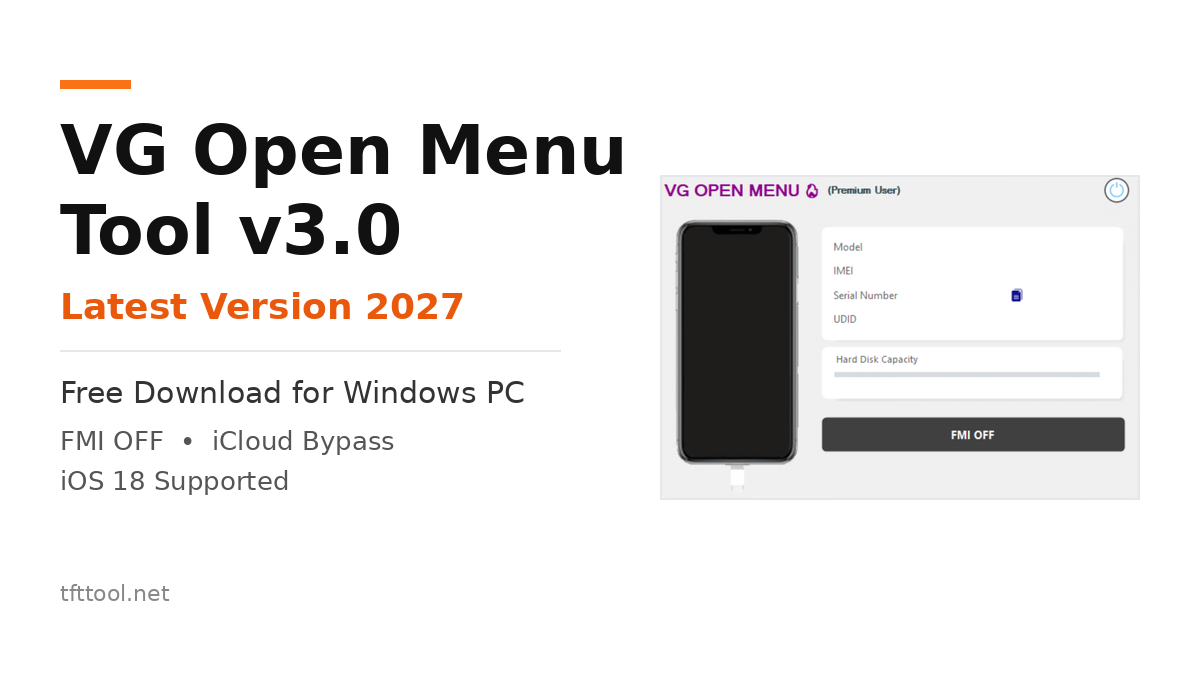
Overview of VG Open Menu Tool v3.0 – TFT Tool
VG Open Menu Tool v3.0 is a Windows tool that is intended to help iPhone and iPad users remove the iCloud Activation Lock from an open-menu device. It is predominantly used when the user has forgotten their Apple ID password or when a second-hand iPhone or iPad is still associated with the previous owner’s iCloud account. Quicker backup and FMI OFF operations, support for iOS 18, and a new interface are all included in the most recent update.
What is VG Open Menu Tool?
The VG Open Menu Tool is a Windows-based utility that is designed to operate on iOS devices that have an open menu. The device is accessible, and its settings can be accessed through the “open-menu” option. It is not intended for devices that are currently trapped on the Hello or Activation Lock screen.
The tool can assist you in deactivating Find My iPhone (FMI) and deleting the old iCloud account if your device satisfies this requirement. This will enable you to configure the device with your own Apple ID. It is possible to obtain it from this post and execute it on a Windows PC.
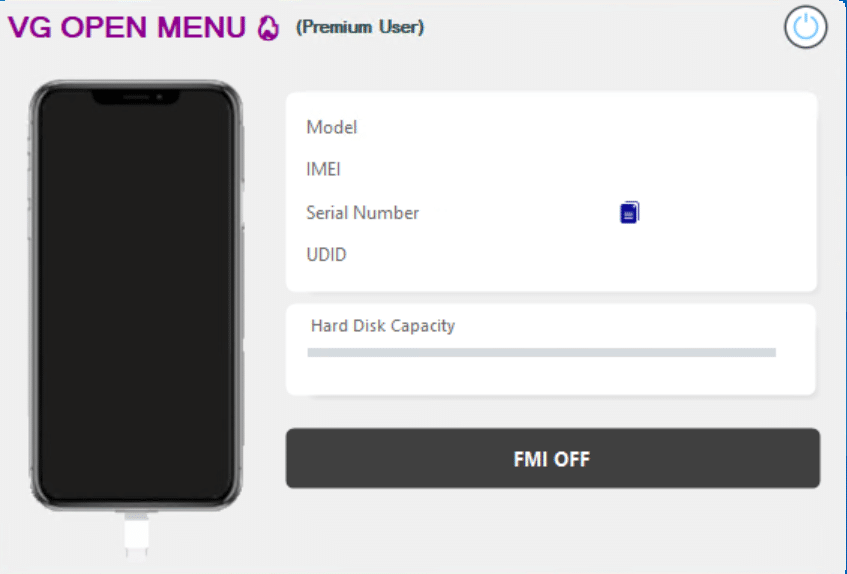
VG Open Menu Tool Popular Features:
1: FMI OFF for Open Menu Devices
- FMI OFF is the most important part of this tool. Once you’re ready, you can turn off Find My iPhone on a device with an open menu and then set up a new account to finish the process.
2: Remove the Previous Owner’s iCloud Account
- The tool assists in the removal of the account associated with the previous owner of a used iPhone or iPad. This is beneficial for individuals who acquired a second-hand device and are unable to establish communication with the previous owner.
3: iOS 18 Support, New UI, and Faster Performance
- Version 3.0 features a redesigned user interface and complete compatibility with iOS 18. The backup operation has been improved and sped up, and the tool is now more stable and responds faster during FMI OFF.
What’s New in VG Open Menu Tool v3.0:
- New user interface
- Full support for iOS 18
- Backup process fixed and made faster
- Improved stability and quicker response
- Faster FMI OFF and better backup operations
Also Read:
What Are the Advantages of Using the VG Open Menu Tool?
The most important benefit is that a single Windows utility supports multiple iPhone models, ranging from the iPhone 6 to the iPhone 15 Pro Max. For open-menu devices, it provides an easy solution for technicians and second-hand device owners to disable FMI and delete the old iCloud account without having to use a distinct tool for each model.
Note:
- Remove SIM card.
- Turn off Airplane Mode.
- Remove apps, photos, and videos. Otherwise, it will take time when FMI is off.
Tested Models:
- iPhone 6 Series
- iPhone 6 (2014)
- iPhone 6 Plus (2014)
- Iphone 6s Series
- iPhone 6s (2015)
- iPhone 6s Plus (2015)
- Iphone Se
- iPhone SE (1st Generation, 2016)
- iPhone 7 Series
- iPhone 7 (2016)
- iPhone 7 Plus (2016)
- iPhone 8 Series
- iPhone 8 (2017)
- iPhone 8 Plus (2017)
- iPhone X Series
- iPhone X (2017)
- iPhone XR, XS Series
- iPhone XR (2018)
- iPhone XS (2018)
- iPhone XS Max (2018)
- iPhone 11 Series
- iPhone 11 (2019)
- iPhone 11 Pro (2019)
- iPhone 11 Pro Max (2019)
- iPhone SE (2nd Generation)
- iPhone SE (2nd Generation, 2020)
- iPhone 12 Series
- iPhone 12 (2020)
- iPhone 12 Mini (2020)
- iPhone 12 Pro (2020)
- iPhone 12 Pro Max (2020)
- iPhone 13 Series
- iPhone 13 (2021)
- iPhone 13 Mini (2021)
- iPhone 13 Pro (2021)
- iPhone 13 Pro Max (2021)
- iPhone 14 Series
- iPhone 14 (2022)
- iPhone 14 Plus (2022)
- iPhone 14 Pro (2022)
- iPhone 14 Pro Max (2022)
- iPhone 15 Series
- iPhone 15 (2023)
- iPhone 15 Plus (2023)
- iPhone 15 Pro (2023)
- iPhone 15 Pro Max (2023)
How To Use?
- Download the file and extract it on your Windows PC. Run the setup file and install the tool.
- Remove the SIM card, turn off Airplane Mode, and remove unnecessary apps, photos, and videos.
- Connect your open-menu iPhone or iPad to the PC.
- Open VG Open Menu Tool, click FMI OFF, and wait for the process to finish.
- Disconnect the device and complete the setup.
How To Download
- Visit tfttool.net and open this post.
- Click the Download button to start the download.
- When the download is complete, locate the file on your PC.
- Double-click the file to start the installation.
- Follow the on-screen instructions to finish the installation.
FAQs
1: What is the VG Open Menu Tool?
- VG Open Menu Tool is a Windows tool that lets you disable Find My iPhone (FMI) and remove iCloud Activation Lock from open-menu iPhone and iPad devices, allowing you to set up the device with your own Apple ID.
2: Can I use the VG Open Menu Tool on any device?
- No. It only works on Windows PC and with open-menu iPhone and iPad models ranging from the iPhone 6 to the iPhone 15 Pro Max. It does not operate on Android devices or devices that are stuck on the Hello screen.
3: Is the VG Open Menu Tool a secure application?
- It’s a third-party GSM utility, not an official Apple one. It is widely used by mobile technicians, but you should only get it from a reputable site, back up your data before using it, and keep in mind that antivirus software may occasionally warn you about GSM tools. Use it cautiously and at your own risk.